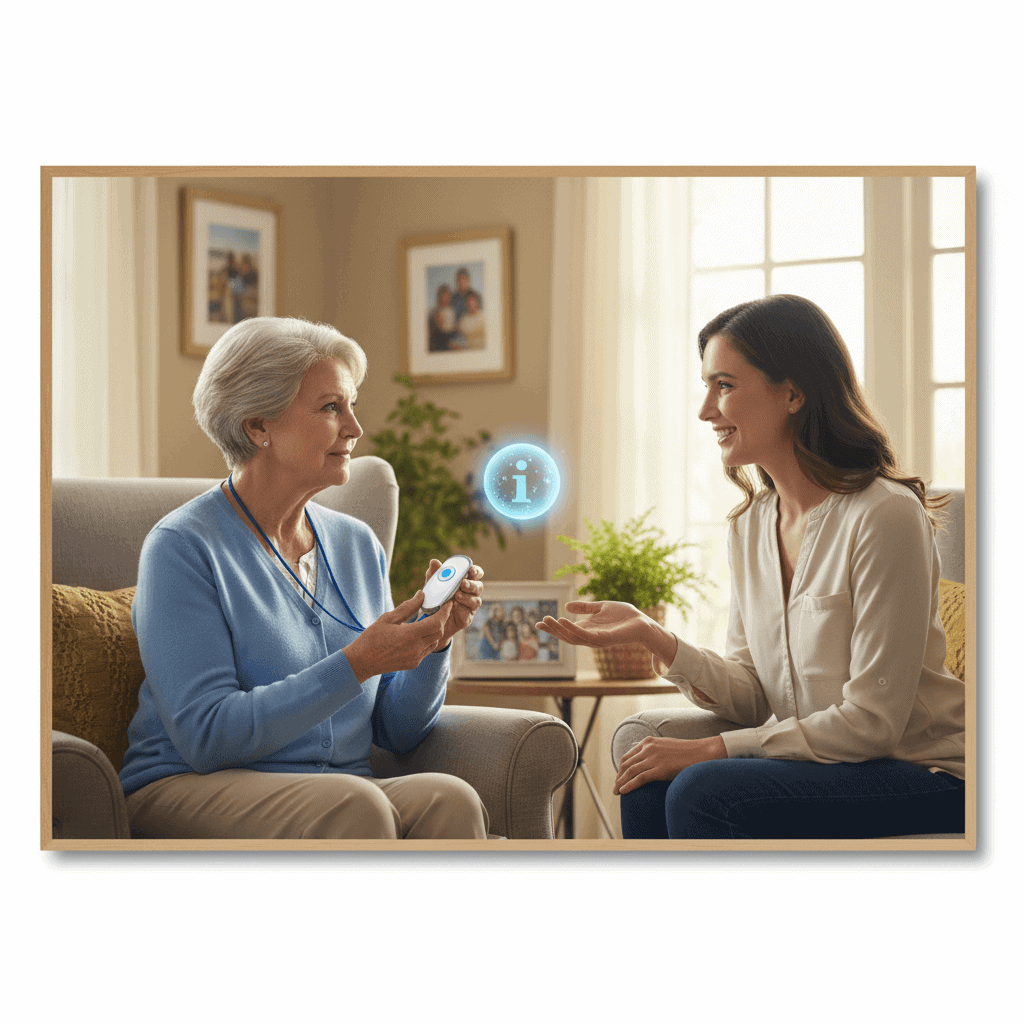

Choosing a personal alert service for someone you care about takes clear thinking and knowing what their daily needs really are. Real stories show how these devices can make a difference when emergencies strike. Asking the right questions before signing up can save time and headaches later. This guide lets everyday experiences shine through, helping readers spot the best fit without getting lost in tech talk or fancy features. Anyone facing safety decisions will find useful tips that aren’t talked about much but could change everything. Keep reading to uncover simple secrets that make these alerts worth every penny.
Personal alert services are alarms and monitoring options designed to connect a person in an emergency to a live responder or chosen contacts. They range from simple push button pendants to systems with automatic fall detection and two way voice. Knowing what each option does and how it will integrate with the person’s home life helps make the choice easier.
How personal alert services work and what to expect
At their core these systems link the user to a response system when a call for help is made. Most services use a pendant or wrist unit that communicates with a base station. The base station is connected to a phone line or cellular network. When the button is pressed or a fall is detected the device signals a monitoring center and a responder can speak with the user or call emergency contacts.
Response times and protocols vary by provider. Some companies send emergency services immediately after failed contact. Others attempt to reach designated family members first. Ask about the step by step response so you understand who will be contacted and in what order.
Who benefits most from a personal alert service
These services are a good match for people who live alone or spend long periods without others nearby. They are also useful for individuals with a history of falls or with medical conditions that may require urgent attention. Consider the person’s mobility level, cognitive state, and willingness to wear a device.
Example 1
- Mrs. Lee lives alone and has mild balance issues. A wearable pendant with fall detection gave her family greater confidence that help would arrive after a fall.
- Tip
- Try the device yourself for a few days before committing to a plan so you can assess comfort and whether alerts are triggered accidentally.
Example 2
- Mr. Carter has early memory loss and tends to wander. A unit with GPS and mobile support helped his caregiver locate him quickly when he left home unexpectedly.
Types of devices and features to consider
Options include home based base stations with pendants wearable devices with cellular capability and mobile apps linked to monitoring centers. Key features to compare include battery life automatic fall detection two way voice and GPS tracking for mobile units.
Wearable options and battery considerations
Wearables come as pendants wristbands or clip on devices. Battery life varies from a few days for fully featured GPS units to several months for simple pendants. Rechargeable units need a charging routine which can be a challenge for some users. Check battery replacement or recharge schedules and set reminders if needed.
Home based systems and fall detection accuracy
Home based systems typically rely on a base station placed near a phone jack or router. Fall detection in wearables uses motion sensors to decide when to send an alert. No fall detection is perfect. False positives can occur when a device is dropped and false negatives can happen if a fall does not match the sensor profile. Ask the provider about the rate of false alarms and how they handle them.
Cost factors payment options and long term value
Monthly fees depend on service level monitoring hours and whether cellular backup is included. Up front costs may include equipment purchase or rental. Compare total cost over a year not just the monthly fee because some plans require contracts while others are month to month.
Insurance and program support
Some veterans programs state and local resources may offset costs. Medicare typically does not cover standalone personal alert services but may cover equipment tied to home health services in specific circumstances. Check community resources and ask about discounts for seniors or low income households.
Tip for budgeting
- Make a short list of providers and calculate the annual total including taxes setup fees and replacement batteries. That number helps compare real value of different packages.
Monitoring by a service versus self managed options
Deciding between professional monitoring and self managed calls depends on risk level and the availability of nearby help. Professional monitoring offers 24 7 access to trained responders who can coordinate emergency services. Self managed options route alerts to family or neighbors who may be able to respond quickly but might not be available at night or during work hours.
Consider routine availability of nearby contacts and how comfortable they are with responding. A married couple living together may rely on each other while a single person living alone usually benefits more from third party monitoring. If a person has complex medical needs professional monitoring provides a predictable layer of response that family alone may not provide.
If you want to compare specific local services you can find out more about options in the Capital Region and equipment that other families have used.
Common concerns and how to address them
Privacy worry about false alarms and device comfort come up often. Privacy questions are valid since systems may collect location and call logs. Ask the provider how that data is stored who has access and how long records are retained. If privacy is a major concern select a provider with clear policies and opt out options where possible.
To reduce false alarms have a trial period if available. Work with the provider to adjust sensitivity settings and teach the user how to wear and use the device correctly. For comfort choose a wearable that fits well and is rated water resistant if it will be worn in the shower.
Questions to ask before signing up
Use this checklist during demos and phone conversations.
- What happens when an alert is received
- Who answers at the monitoring center and are they local or remote
- Do you dispatch emergency services automatically or only after contact attempts
- What are monthly and annual costs and are there extra fees for equipment or installation
- How are locations tracked and how accurate is GPS indoors
- Is there a trial period and what is the cancellation process
- What training or setup help do you provide
Bring a printed list of the person’s medications allergies and emergency contacts when you meet with a provider. That information helps the monitoring team respond appropriately.
Real world examples and practical tips for daily use
Tip for daily wear
- Make a routine such as putting the device on after morning dressing and placing it on its charger at night. Visual reminders near the bed or bathroom can help with adherence.
Tip for testing the system
- Test monthly to verify that battery levels are good and that the wearer recognizes the alert protocol. Keep a log of tests and any false alarms to discuss with the provider.
Example scenario
One family installed a home base station and gave a pendant to their mother who lived alone. After an accidental fall she pressed the button and a responder spoke to her through the base station within minutes. The responder stayed on the line until paramedics arrived. The family felt the monthly fee was worthwhile given the quick response and the reduction in worry during long workdays.
Choosing a personal alert service is about balancing cost convenience and risk. It is not a substitute for a care plan but it can be a valuable layer of protection that helps people live independently longer. Start by listing the most likely emergencies to plan for then match features and pricing to those needs.
In summary a personal alert service can be a practical tool for people who are at risk of falls live alone or require rapid access to help. Evaluate device types monitoring protocols costs and privacy practices. Ask providers specific questions test devices and plan for battery and network outages. If you are unsure try a short term contract or demo to see how it fits daily life. For local resources and specific equipment choices that families in the Capital Region have used click the link above to find out more. If you are ready take the next step by making a short list of features that matter most and scheduling two or three demos so you can compare real world performance. A small investment in research now can prevent an emergency down the road and give both the user and family greater confidence in day to day living.